Use Doclio in Your Language
Doclio supports seven languages. The app automatically detects your browser language, but you can change it manually at any time.
Supported Languages
- English (UK)
- English (US)
- Français (French)
- Español (Spanish)
- Deutsch (German)
- 中文 (Chinese)
- 日本語 (Japanese)
How to Change Language
- Go to Settings
- Click the Appearance tab
- Find the Language selector
- Choose your preferred language
- The interface updates immediately
Note: The language setting affects the app interface (buttons, menus, labels). Your project data (annotation titles, comments, etc.) remains in whatever language you entered it.
Date Format
You can also change the date format in Settings → Appearance. Three formats are available — dd/mm/yyyy, mm/dd/yyyy, and yyyy-mm-dd — and the choice affects how dates are displayed throughout the app.
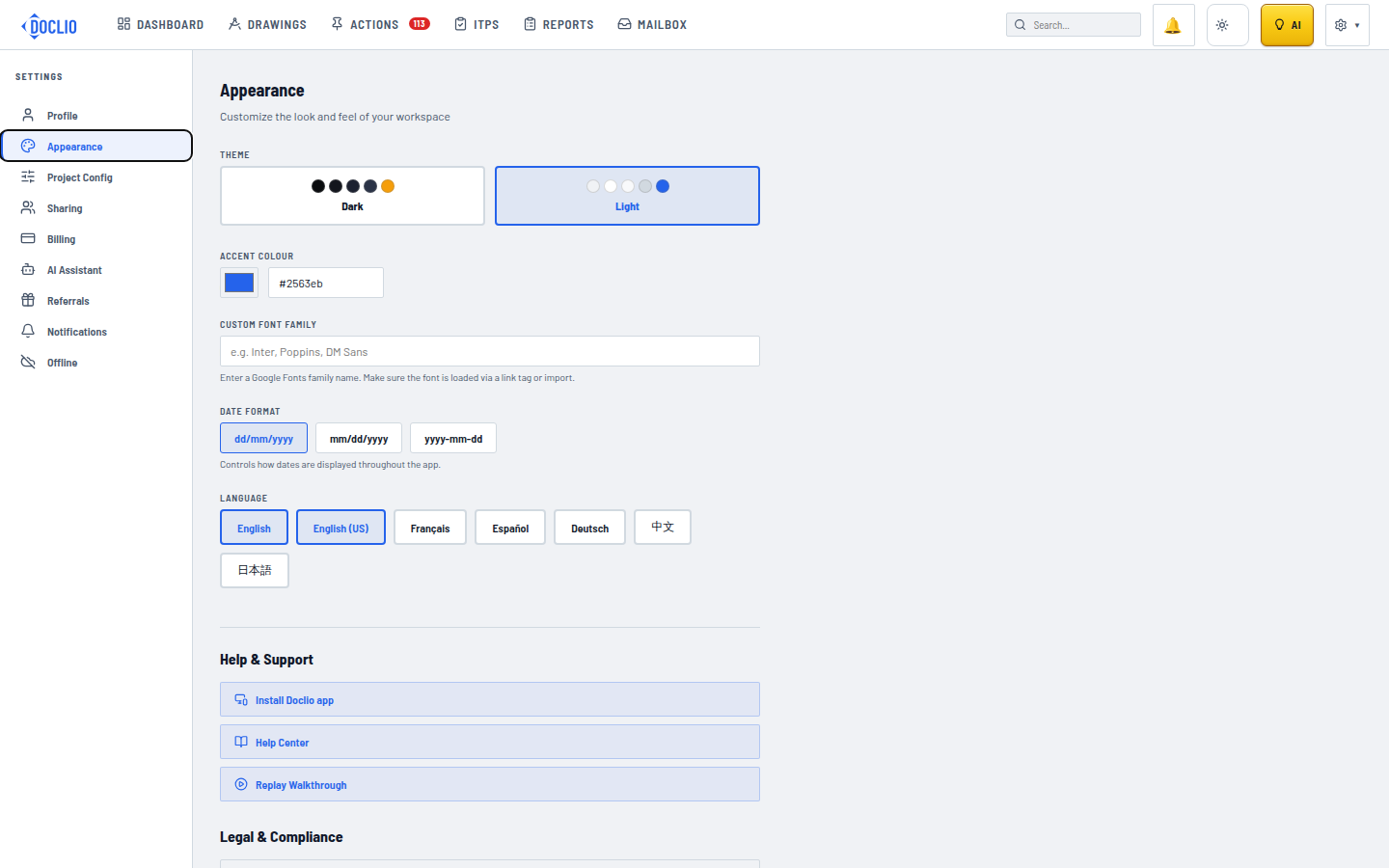
Seven languages available under Settings → Appearance