Last updated: June 2026
If a report was shared with you and you create a Doclio account, you land on Shared with me — a focused home listing every report shared to your email address. It's the place to find and reopen reports without hunting through email.
Who sees it
Shared with me is for people who have a Doclio account but aren't members of a project — typically clients, subcontractors, certifiers, or a superintendent who was sent a report. Because a report is shared with you (not the whole project), you'll see the reports themselves here, not the project's drawings, inspections, or mailbox. (If you're later added to the project, you get the full project workspace instead.)
Using it
- Each row shows the report number, title, project, type, status and date.
- Click a report to open it in the viewer, where you can read it, download the PDF, and — with your account — comment or respond.
- The list updates automatically as new reports are shared with your email.
I expected a report but don't see it
- Make sure you signed in with the same email address the report was sent to.
- Draft reports don't appear — only reports that have been issued.
- If a share link was revoked or has expired (links last 30 days), the report drops off the list. Ask the sender to re-share.
Related articles
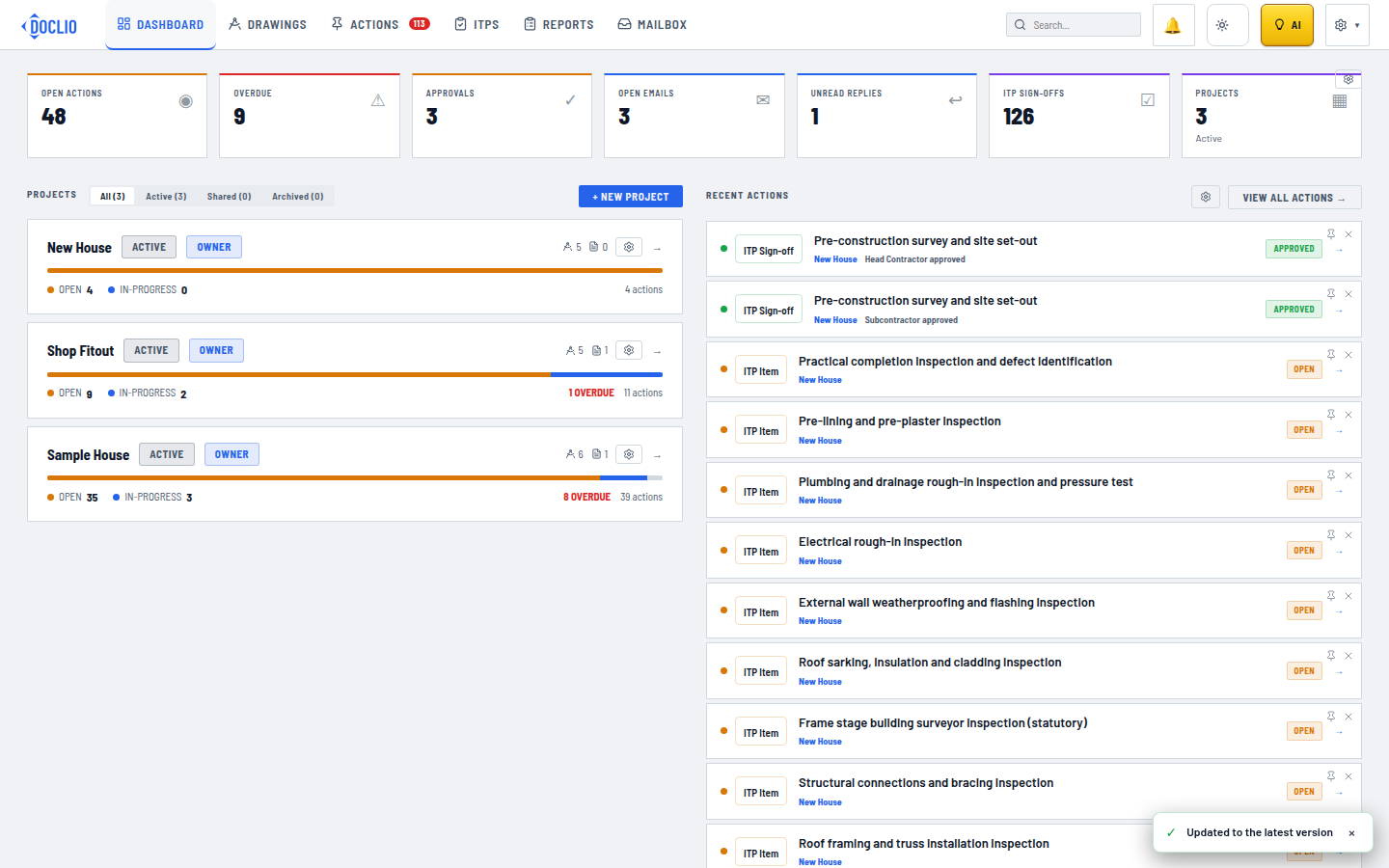
The Shared tab filters to projects other people have shared with you